
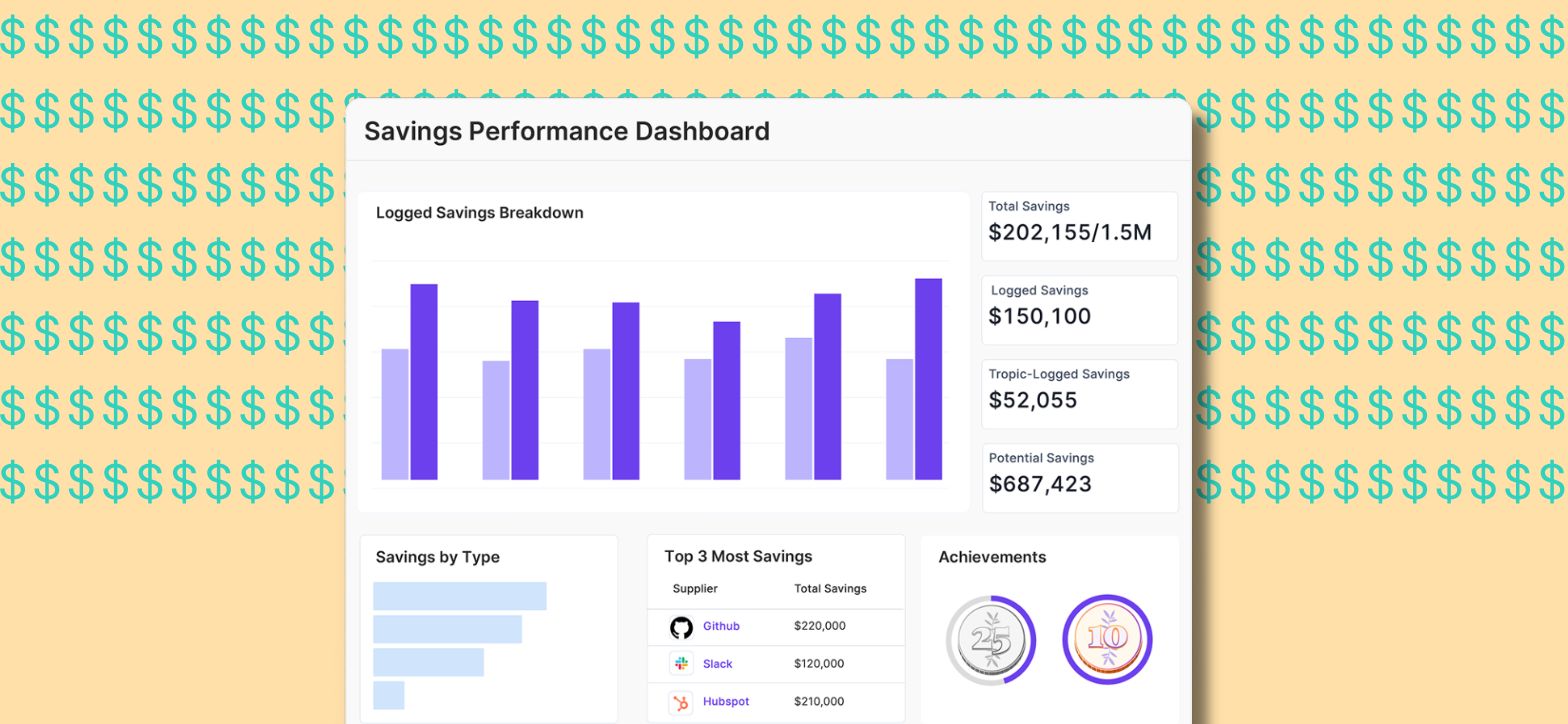
Every procurement professional knows the feeling. You just closed a renewal, held firm on price, pushed back on auto-renew terms, maybe walked away from a vendor entirely. The savings were real. But two weeks later, when your CFO asks what procurement delivered this quarter, you're pulling numbers from a spreadsheet you built yourself, cross-referencing emails, reconstructing the math from memory.
That's not just a reporting problem. That's a recognition problem. And it's costing procurement teams something they can't get back: credibility.
Tropic's new Savings Intelligence fixes this by automatically calculating and surfacing the savings your team already earned, so proving your value takes seconds, not hours.
The Spreadsheet Trap That Procurement Never Talks About
A procurement manager closes a renewal at 12% below last year's rate. She used benchmark data, pushed back on the auto-renew clause, got extra support thrown in. Real work. Real savings.
Then she opens a Google Sheet and types in a number to quantify all this effort.
That's how most teams close the loop on one of the most important things they do — not because they're disorganized, but because no system has ever done it for them. Procurement intelligence tells you what to negotiate. Contract tools store the outcome. But the moment where strategy actually produced a result? That gets captured in a spreadsheet, or not at all.
Tropic’s Savings Intelligence changes that. The savings already happened. The only thing missing was a way to capture them automatically, with the math already done.
What Changes with Savings Intelligence
When you use Tropic's benchmarks, negotiation playbooks, or supplier intelligence and a contract event occurs (a new contract is signed, a renewal closes, or a supplier relationship ends), Tropic now automatically generates a savings task. The form comes pre-filled with an AI-suggested savings amount, calculated from your own contract data and Tropic's network-wide benchmarks. You review it, confirm the numbers, and you're done.
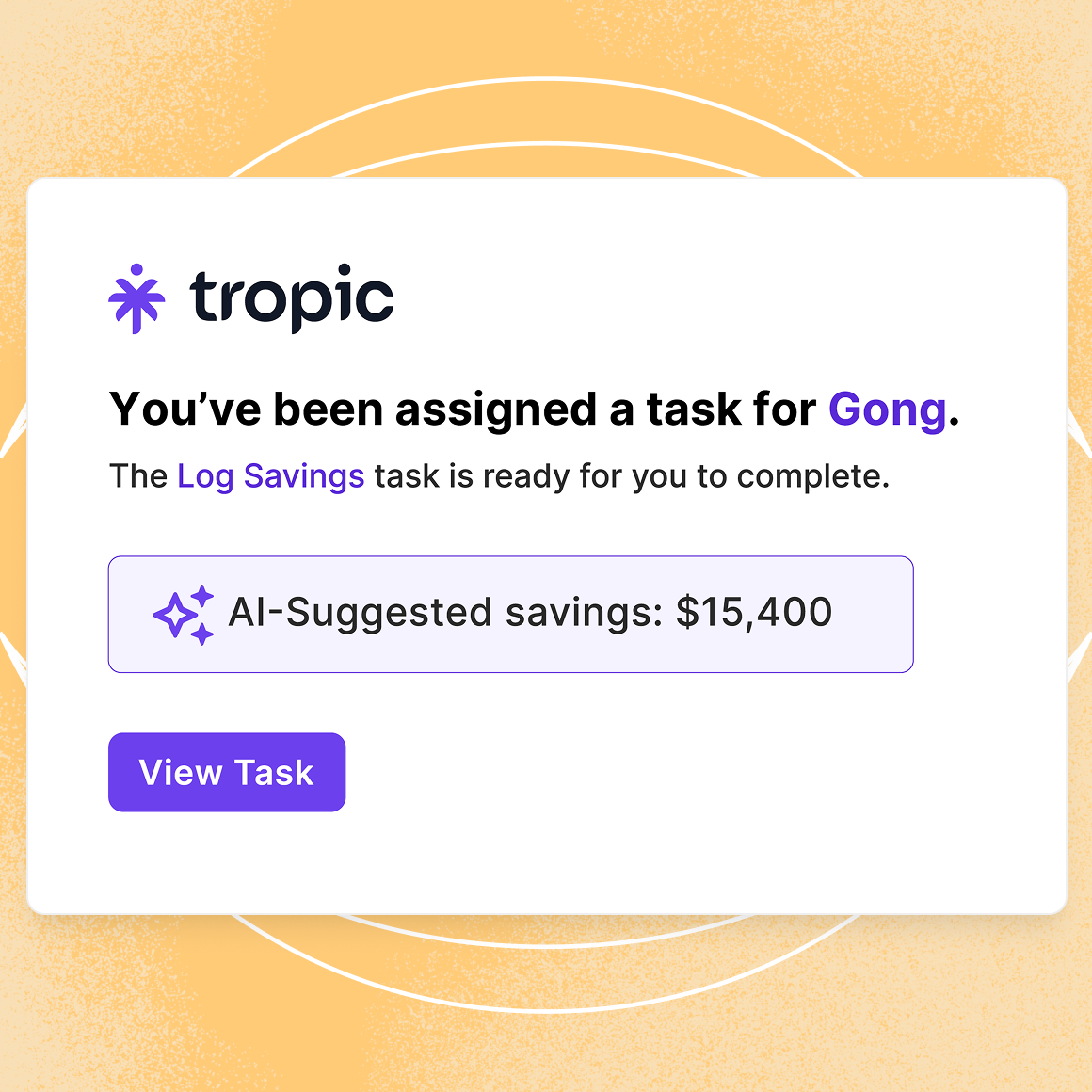
No manual data entry. No rebuilding the math from scratch. No waiting until year-end to reconstruct what you saved in February.
Savings live natively in Tropic, visible on contract pages, supplier pages, and your performance dashboard, and can be exported whenever you need to make the case to leadership.
Why This Matters Beyond Reporting
For most procurement teams, savings tracking isn't optional. It's tied to goals, KPIs, and in many cases, compensation. Hard savings realized and savings percentage are among the most scrutinized metrics in any finance organization, and procurement leaders are often measured on whether they hit 5 to 8% savings against managed spend.
But the infrastructure to support those targets has almost always been manual, fragmented, and dependent on individual diligence. Savings Intelligence beta customers described their tracking process as "archaic," with real stakes attached if they got the numbers wrong.
Savings Intelligence gives those teams an automated mechanism to capture and evidence the savings they're already delivering, at the exact moment it's most relevant, with the math already done.
For procurement leaders whose compensation is tied to savings targets, this is insurance.
What Gets Captured and What You Can Do With It
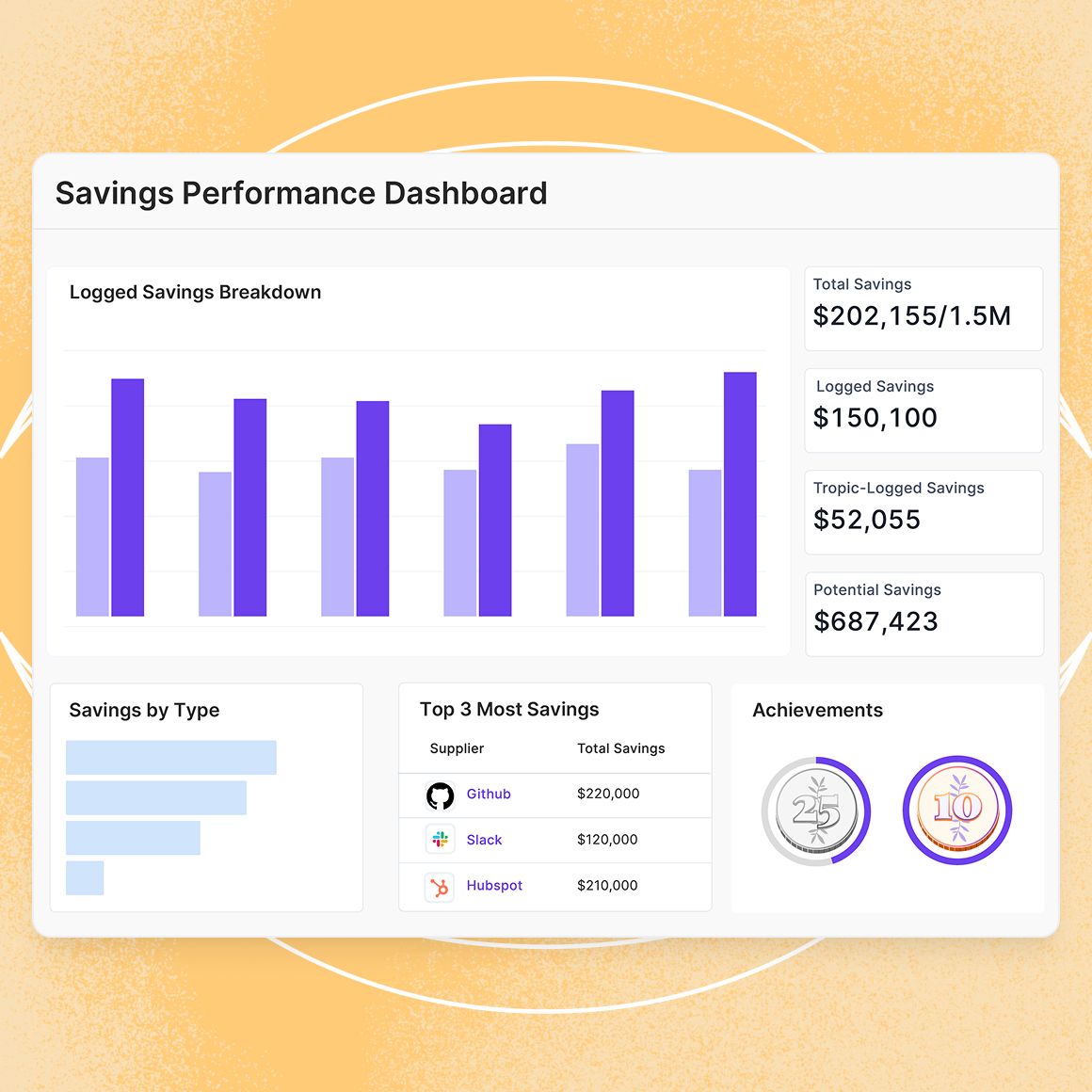
Savings Intelligence supports multiple savings types, because not all wins look the same:
- Cost reduction: you paid less than before
- Cost avoidance: you prevented a price increase or additional spend
- Value enhancement: you got more for the same price (extra seats, extended terms, waived fees)
- License optimization: you right-sized usage and eliminated waste
- Contract termination: you walked away and avoided future spend entirely
Each savings record can include supporting documentation, context notes, and a breakdown across multiple categories when a single negotiation produced several wins. The AI-suggested amount is always editable. Tropic's calculation is a starting point, not a constraint.
For teams who want to make a stronger case internally, Savings Badges recognize individuals and organizations as they hit milestones, from Savings Starter ($50K) to the Million Dollar Club, with the option to share on LinkedIn. It makes the work visible, and makes it fun!
The ROI Story You've Been Missing
There's a version of the CFO conversation that most procurement teams never get to have — not because the savings aren't real, but because they can't connect the intelligence they used to the outcomes they produced.
A procurement lead pulls a benchmark, uses a negotiation playbook, and closes a renewal 8% below the prior year's rate. That work influenced the outcome. Without a mechanism to capture it, the connection disappears. The savings exist. The evidence doesn't.
Savings Intelligence creates that evidence automatically, at the right moment, with numbers pre-populated. Over time, as data accumulates, it tells a story spreadsheets never could: here's what this team negotiated, here's what it saved, and here's the intelligence that made it possible.
Getting Started
Savings Intelligence is available to all Tropic customers with no additional setup required. Tasks generate automatically when you've accessed supplier intelligence and a contract event occurs. You can also log savings manually from any contract, supplier, or intelligence page without waiting for a triggered task.
The data you capture now will power a full reporting and performance dashboard coming soon. Every win you log today builds the record that makes your next budget conversation easier.
See Savings Intelligence in Tropic →
Frequently Asked Questions
Does Savings Intelligence require any configuration or setup?
No. It's available by default for all Tropic customers with no access requirements or additional configuration needed.
How does Tropic calculate the AI-suggested savings amount?
Tropic uses your organization's own contract data, purchase requests, and benchmarks to calculate baseline and final contract values. If your org data is incomplete, Tropic falls back to network-wide P50 savings data from similar companies and suppliers. You can always override any suggested value.
What savings types can I log?
Cost reduction, cost avoidance, value enhancement, license optimization, and contract termination. You can split savings across multiple categories within a single record if a negotiation produced multiple types of wins.
Can I log savings without an associated contract in Tropic?
Yes. If you negotiate contracts not stored in Tropic, such as professional services, facilities, or non-software agreements, you can still log savings by searching for the supplier directly.
Can I log savings manually without waiting for a triggered task?
Yes. Savings can be logged from the Contract Detail Page, Supplier Detail Page, or Supplier Intelligence Page at any time.
What are Savings Badges?
Savings Badges recognize individuals and organizations for milestones in savings submissions and total dollars saved, from Rising Star (10 submissions) to the Ten Million Club ($10M logged). Badges can be shared on LinkedIn, giving procurement professionals a way to build their personal brand around the value they deliver.
Who can see savings data in my organization?
Org Owners, Contract Owners, Department Admins, and anyone assigned to a task can log savings. Exporting savings data is limited to Org Owners.
Will my historical savings data be backfilled automatically?
Not in the current release. Backfilling is planned for a future update. In the meantime, you can manually log savings for past negotiations from any contract or supplier page.

Related blogs
.png)
Drive savings and efficiency at any stage
Discover why hundreds of companies choose Tropic to gain visibility and control of their spend.